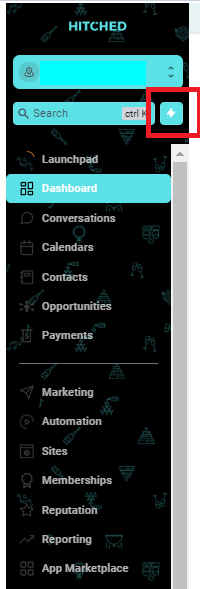
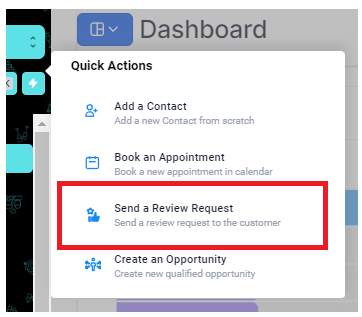
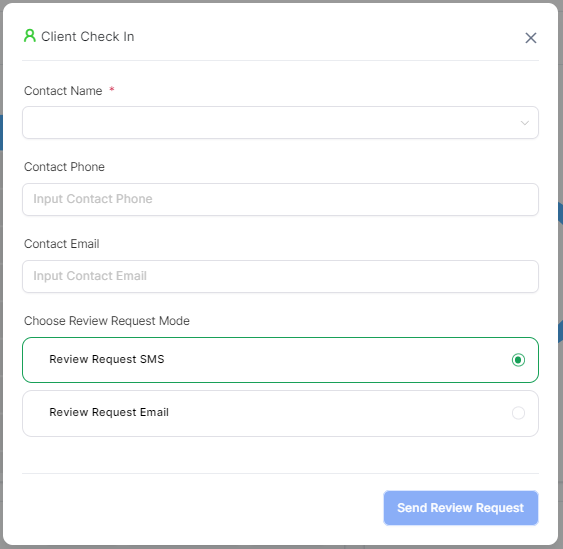
To send a review request, click the lightning icon beside the Search box >> Select Send a Review Request >> Search and select the contact whom you want to send the review request. The system will automatically fill out the phone number and email then you can choose whether to send an SMS or email review request. After that click the Send Review Request button
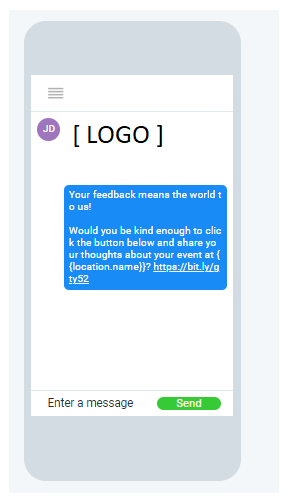
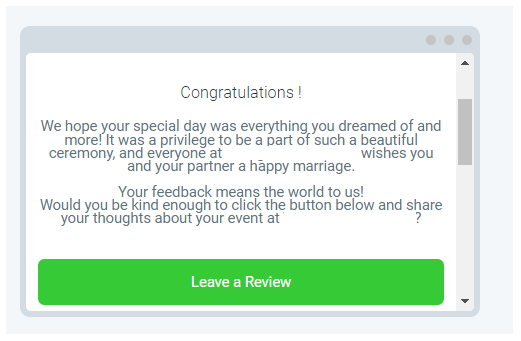
Once clicked, a landing page appears asking the client if they would refer your venue to another engaged couple.
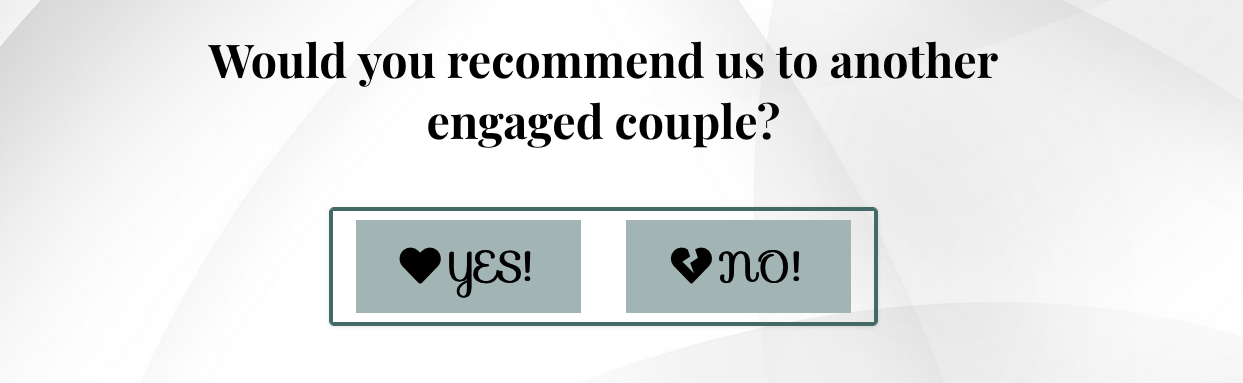
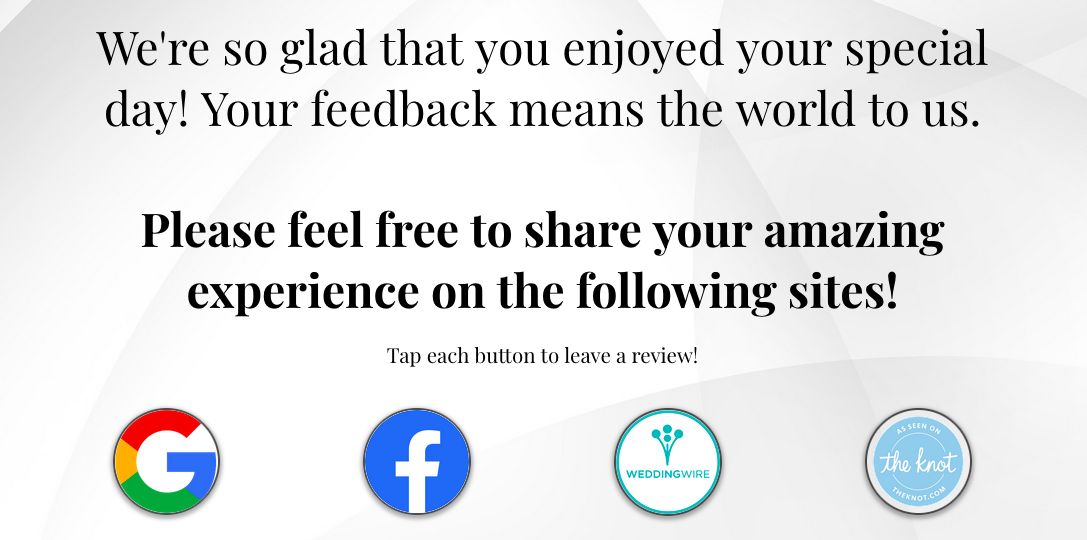
If they click "yes", we will bring them to a page with links to your review pages.
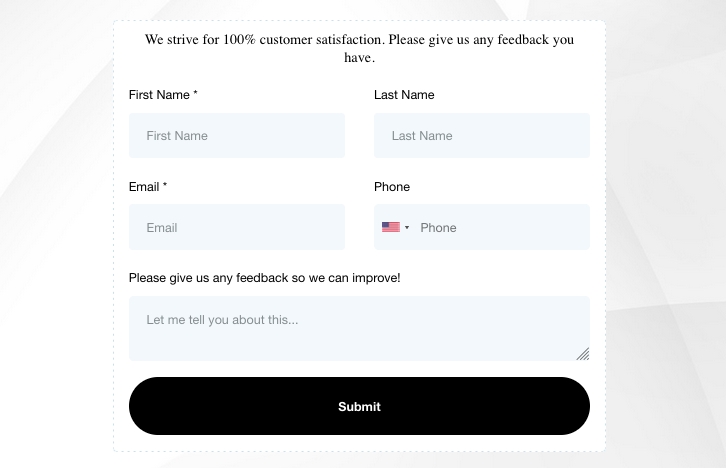
If they happen to click "no", then the client would be led to a private form. When the form is filled out, it is not published anywhere, but lives inside of Hitched where only you can see it. This will allow you to reach out the client without their feedback being published to the public.
Please keep in mind that this is a feature that you need to request to be turned on. Please message the Hitched team in Slack with any questions.