In order for you to understand the importance of scheduling your tours with the Hitched CRM System, you need to know what all happens behind the scenes!
Once a tour is scheduled on to your Weddings Tour Calendar:
1. Client is Moved in the Pipeline
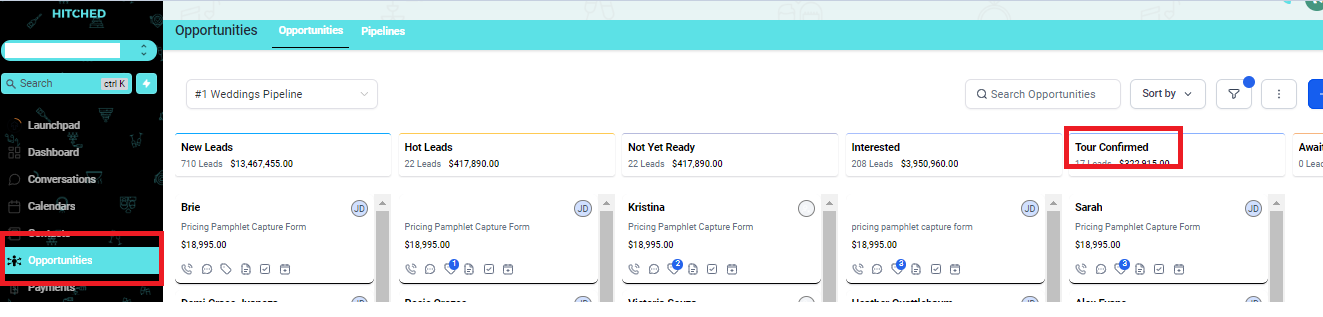
Once your tour has been scheduled and confirmed, this contact will now be added to Tour Confirmed Pipeline in your Opportunities tab
2. Client is Sent Confirmation Messages
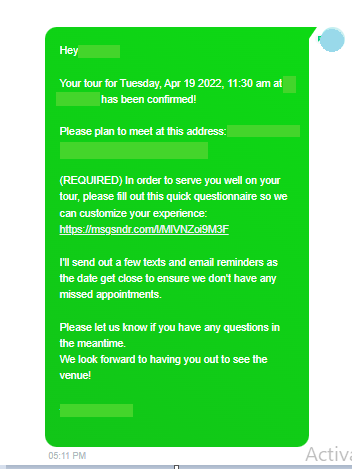
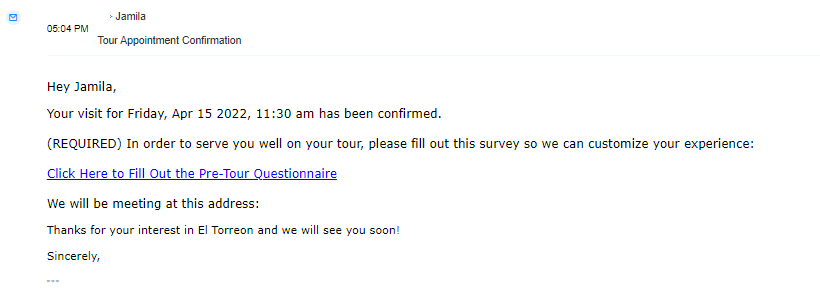
There will be an automated SMS and Email confirmation once the tour has been scheduled.
3. Client is Sent a Pre-Tour Questionnaire
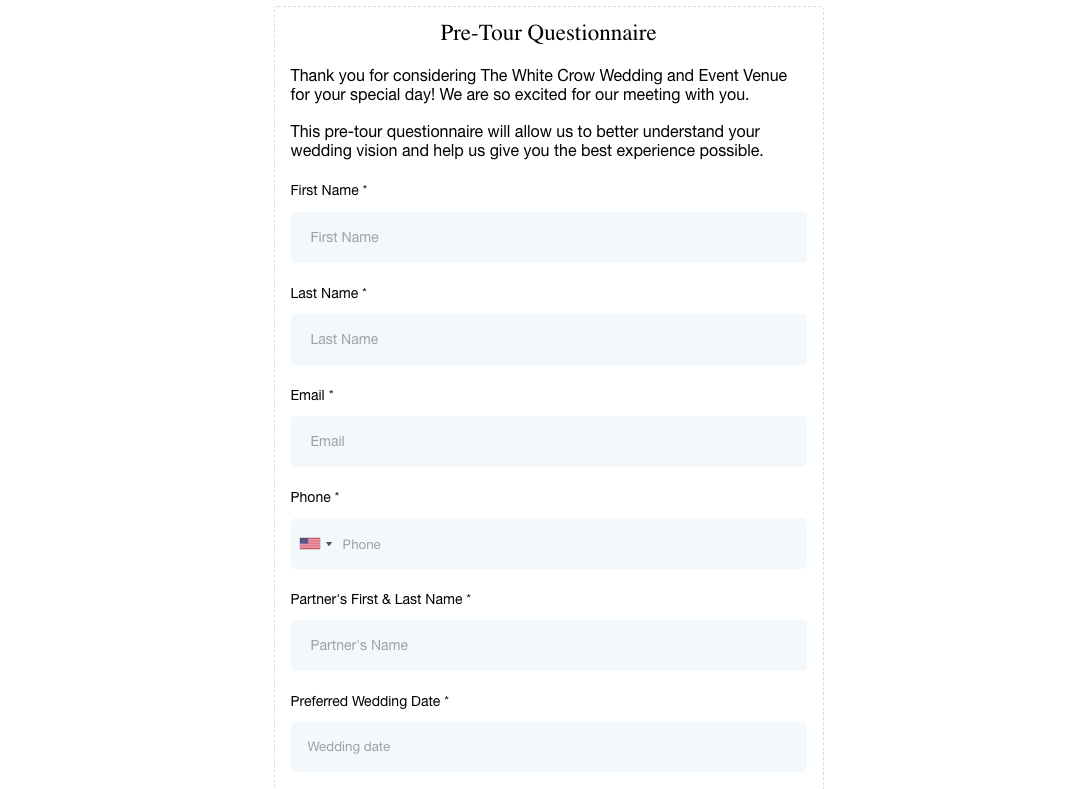
Your client is sent a link to a short form with their tour confirmation messages. It is important that the client fills out this form before the tour so that you have information on what they are looking for before they even arrive onto your property. Once the client fills out the form, you will receive a notification email with the information from the client. We suggest printing out the email and taking it with you on the tour.
4. Client is Sent Tour Reminders
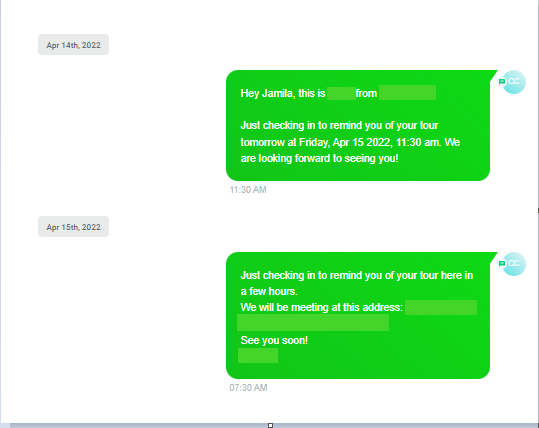
There will be text and email messages sent to the client 7 days, 3 days, 24 hours and 4 hours before the scheduled time of the tour. This serves as a reminder to them and won't be able to forget this set meeting with you.
5. Client is Sent a Google Calendar Invite
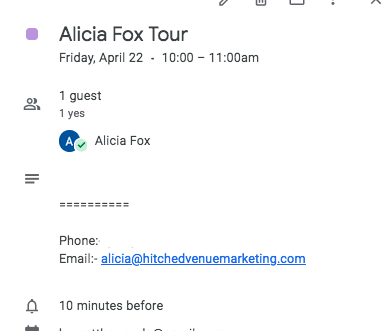
As soon as you schedule a tour on you Tours Calendar, the client is automatically sent a Google calendar invite to the email they provided you when downloading the pricing pamphlet.
6. You are sent a Tour Outcome Survey
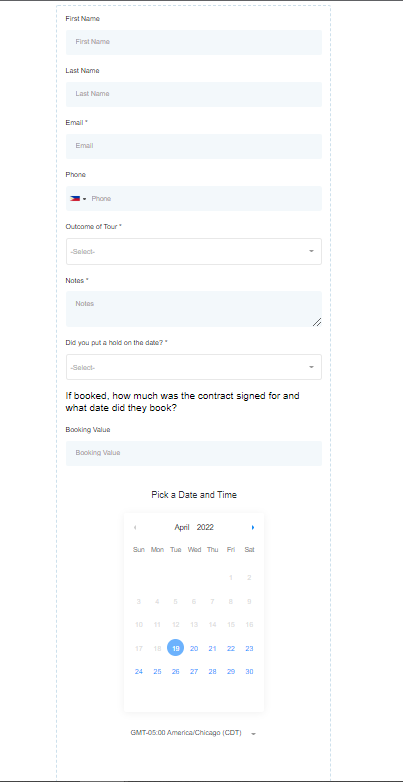
After the tour, you will receive an email asking how the tour went You will then report the outcome of the tour (Booked, Did not Booked, or Cancelled) by filling up this form. You may also add some notes, and date/time if they have booked their wedding at your venue before submitting.
CLICK HERE to learn more about how to report the outcome of a tour.