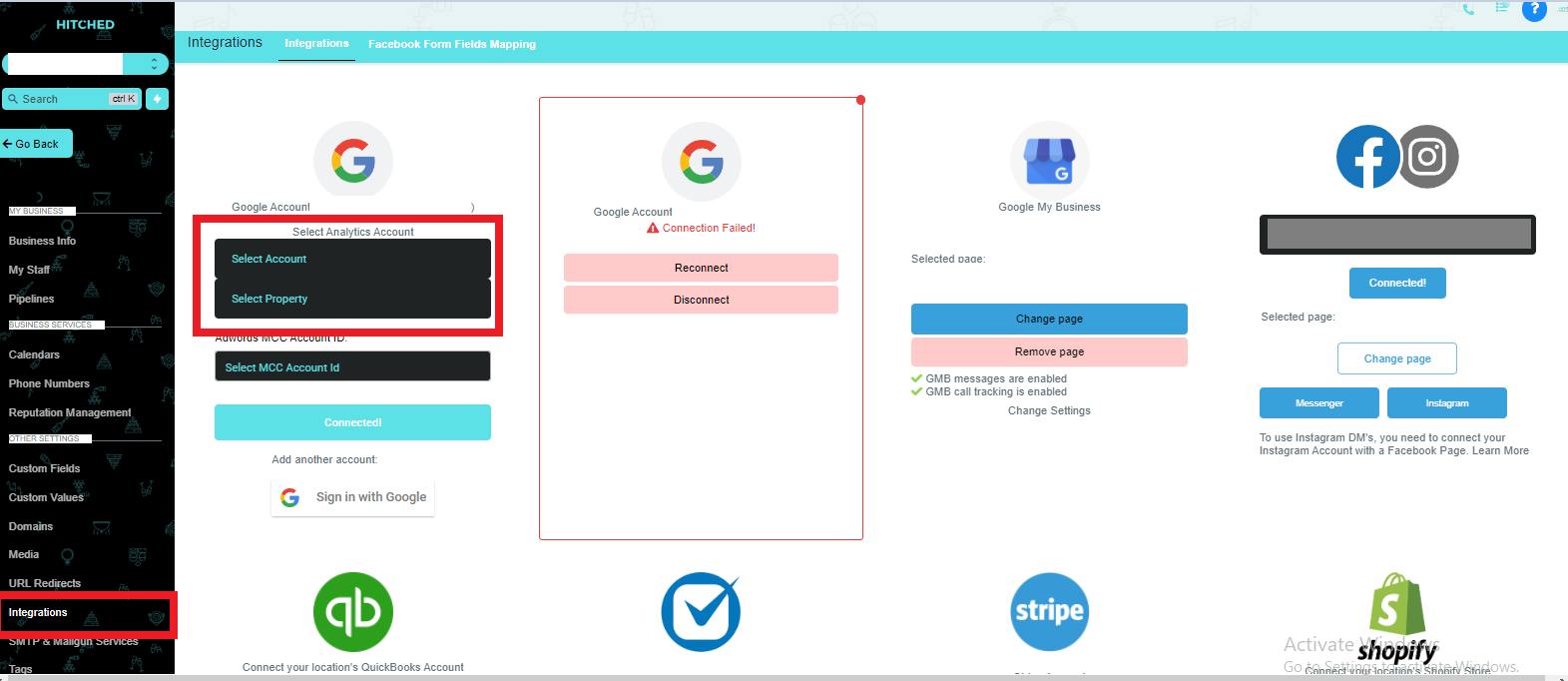
To integrate the calendar you are using on your Hitched Account, you can do the following steps:
- Login to Hitched on your desktop.
- Go to Settings at the bottom of left menu tab.
- Click on the Integrations tab.
- Sign in to your account Google Account
- Once this is done, you can notify us by sending us a message in Slack so that we can complete the Calendar Sync for you.