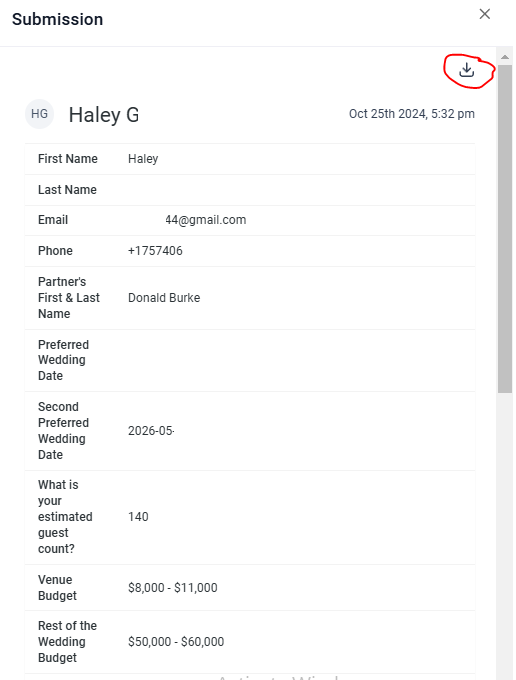
Where can I find the information submitted on a form?
There may be times when you are looking for all of the past forms that were submitted to your venue. Instead of searching your email for all past pre-tour surveys, we’ve made it easy for you!
Please keep in mind, that this is a feature on the Desktop version of Hitched.
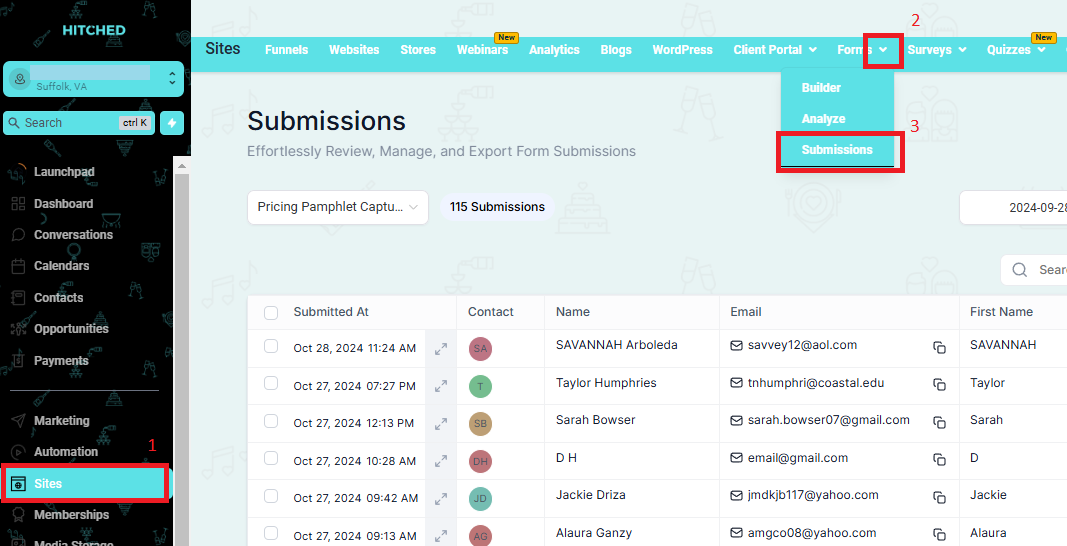
- In the Sites tab, click the dropdown arrow beside Forms then click on Submission.
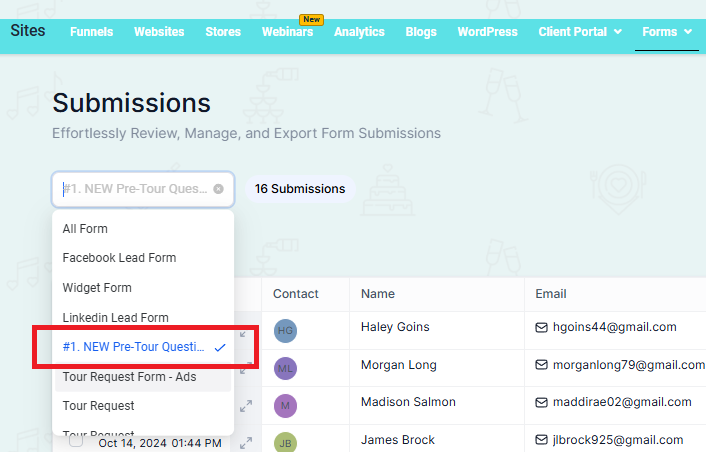
2. In the box for All Form, click the dropdown arrow to choose which form you want to check.
Ex. Pre-Tour Survey
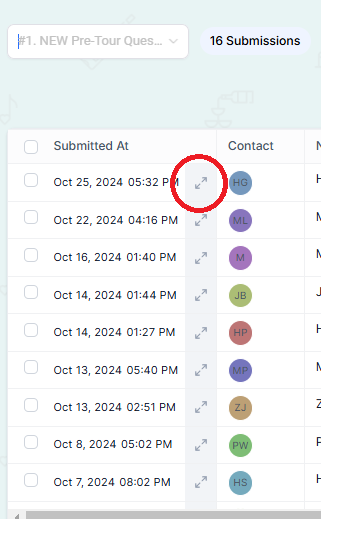
3. Click the arrow to view the information that has been submitted for that specific contact.
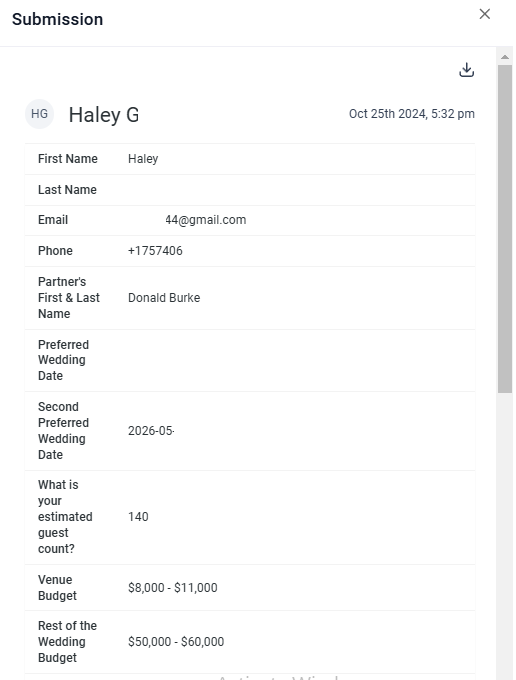
*Please note: You can also download an Excel file of all past submissions.
To do this, click the down arrow.