There is a lot of different data and information that can be found within the Reportings Tab.
They are sub-divided to: Facebook/Google Ads, Call Reporting, Agent Reporting, and Appointment Reporting
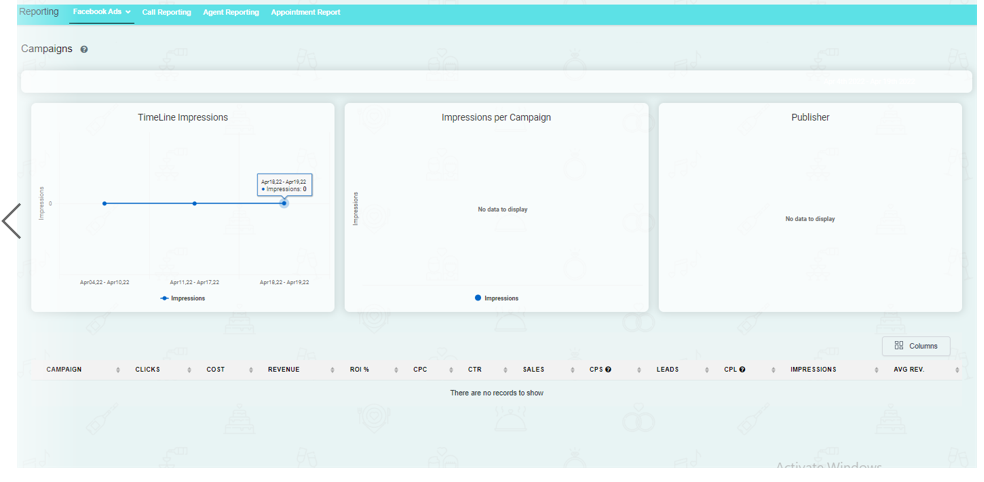
Facebook/Google Ads
Here you can check out how your ads on Facebook/Google are performing.
Call Reporting
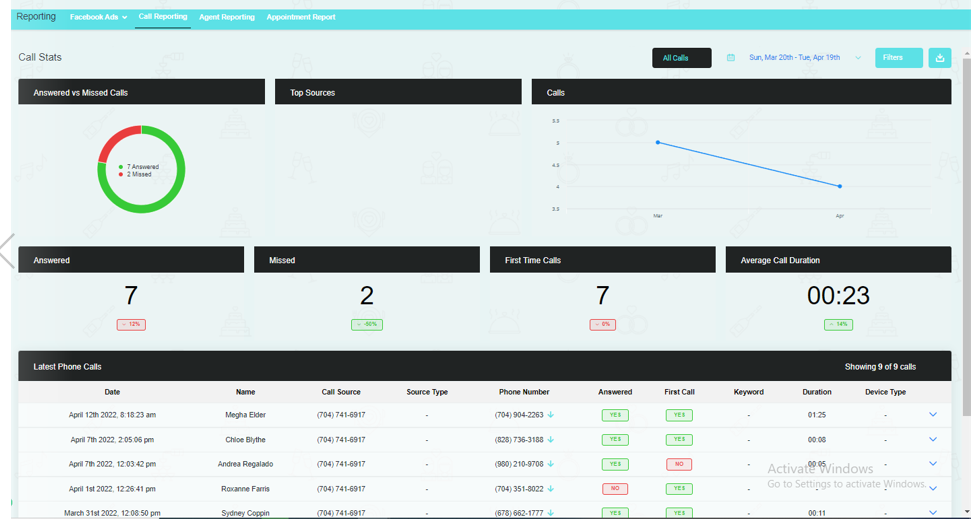
Your calls (answered, missed, first-time calls and average call duration) are reflected here. You can also go back and check out your conversation with your client in the call recordings.
Agent Reporting
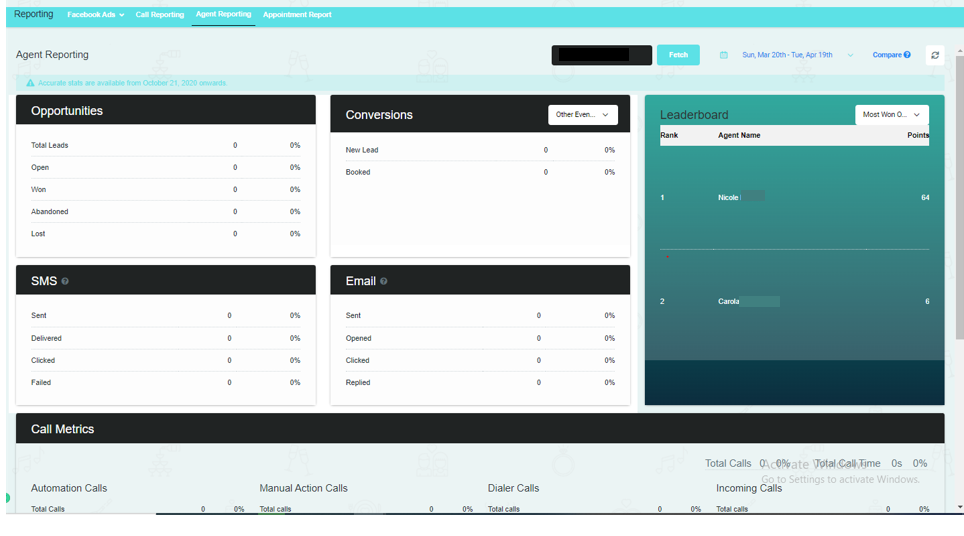
You can check out the total leads in your opportunities and their conversion rate. All your SMS and Emails are reflected here too and subdivided into opened, closed, sent, or failed. If you have other team members, you can check out how many leads they have won and their rankings.
Appointment Reporting
You can check out all your appointments here including their statuses. Data are in a form of a piechart.
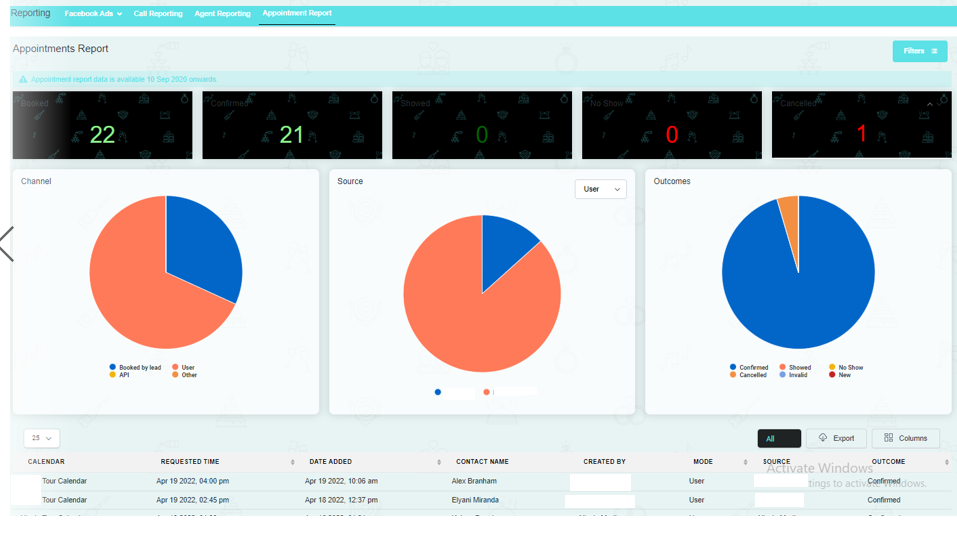
Note: You can filter out the date/s that you want to show on your reportings. To do this, just click the Filter button and choose the date