The Venue Scaling System allows you to message leads through both text and email.
Once a lead responds to you, it is IMPORTANT to message the client back in the same way that they last messaged you.
TEXT
MOBILE
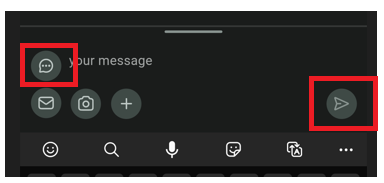
Within your conversation with the client, click the box "Type your message" at the bottom of the screen. Click the envelope and switch to the "conversation bubble" icon. Type your message or use a template and then click the airplane icon.
DESKTOP
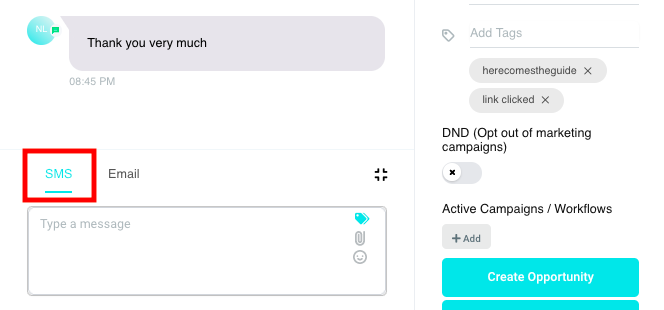
Within your conversation with the client, make sure that the "SMS" tab is highlighted at the bottom of the screen.
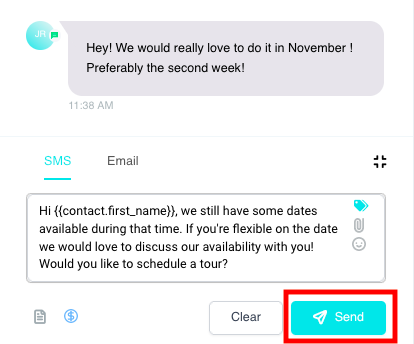
Type your message or use a template and then click the blue "Send" button.
EMAIL - Responding
MOBILE
Within your conversation with the client, click "# Reply" to view their full message.
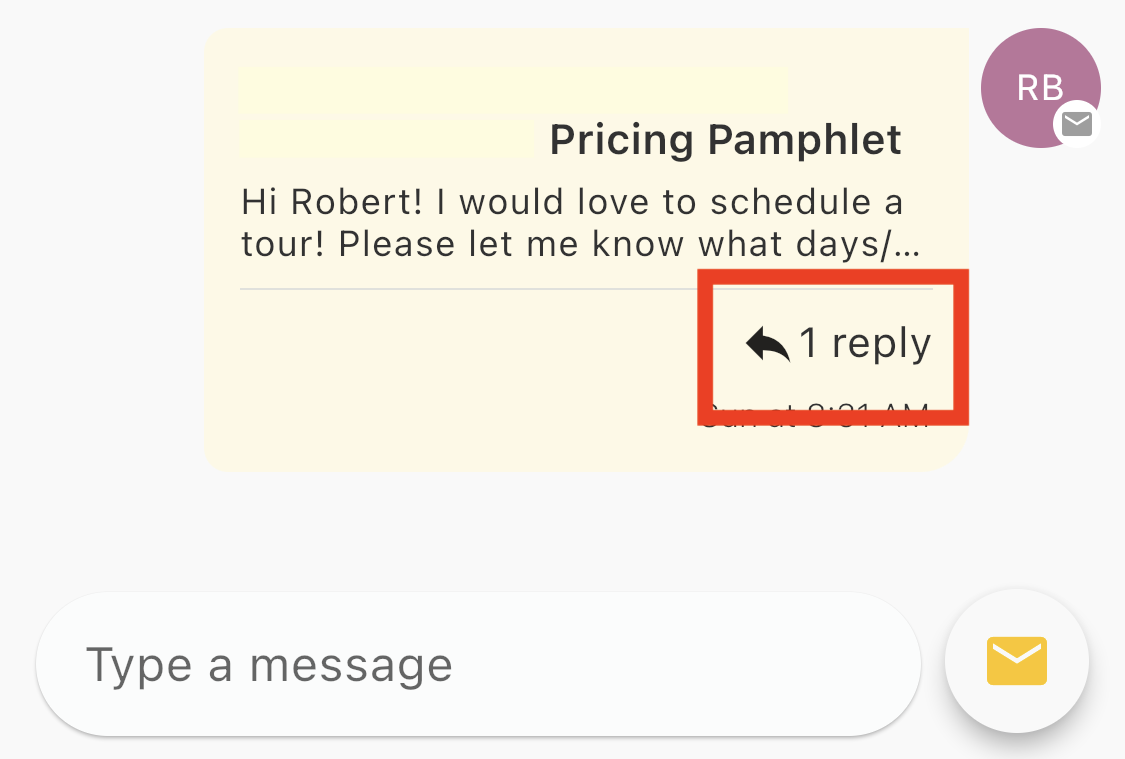
Another screen will appear with all of the emails withing that same email chain. Click the yellow "Reply" button .

Type your message and then click the grey airplane icon.
DESKTOP
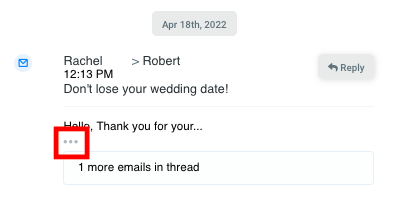
Within your conversation with the client, click the 3 dots to view their full message.
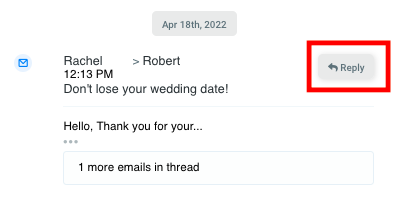
Click the grey "Reply" button to respond directly within the same email chain.
Type your message or use a template and then click the blue "Send" button.
EMAIL - Sending New Email
Please keep in mind that these directions are ONLY to be followed when you would like to create a new email chain. If you are receiving an email from a client and would like to respond to them within the same chain (highly recommended), you will want to follow the steps listed above!
MOBILE
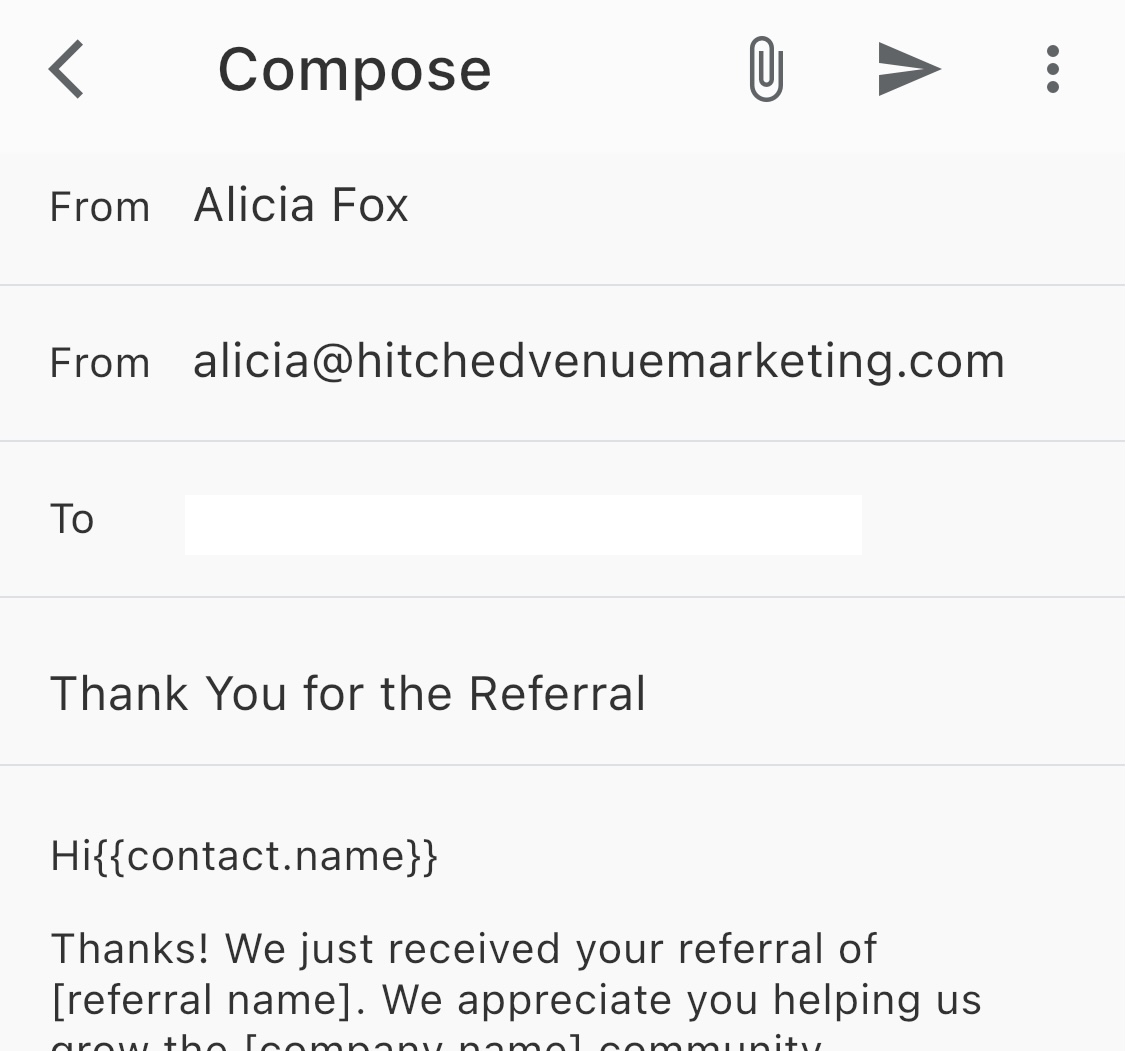
Within your conversation with the client, click the box "Type your message" at the bottom of the screen.
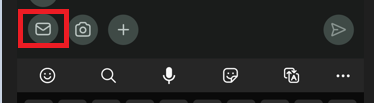
Type your message or use a template and then click the grey airplane icon.
DESKTOP
Within your conversation with the client, make sure that the "Email" tab is highlighted at the bottom of the screen.
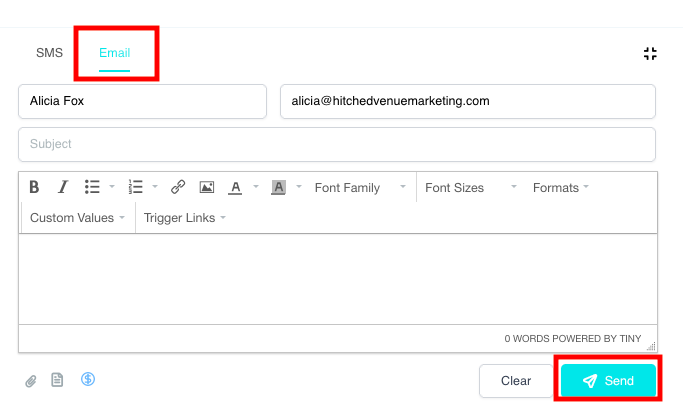
Type your message or use a template and then click the blue "Send" button.